Image Retouching & Alterations
All backings need a certain amount of photographic retouching and alterations to bring them to life, with some requiring more then others. Whether it be a custom backing with matching day and night plates photographed by us or one created from client supplied images, these edits can include:
Panoramic Blending
Sky Replacements
Daytime Shadow Removal
Day & Night Alignment
Night from Day Generation
Changing Seasons
Panoramic Blending
Backing images are usually a hybrid of a few panoramas, especially when multiple camera angles are needed for large sweeping views that show multiple directions. Not only does this allow for proper scale but also limits perspective distortion, keeping sections of the backing from falling into the uncanny valley. For example, the backdrop of New York City (see below) is a blend of five different panoramas created from two camera angles. The Cape Cod backdrop is a blend of seven panoramas from three camera angles. Here retouching is used to ensure a continuous and smooth transition throughout the image without any evidence of digital seams.





Sky Replacements
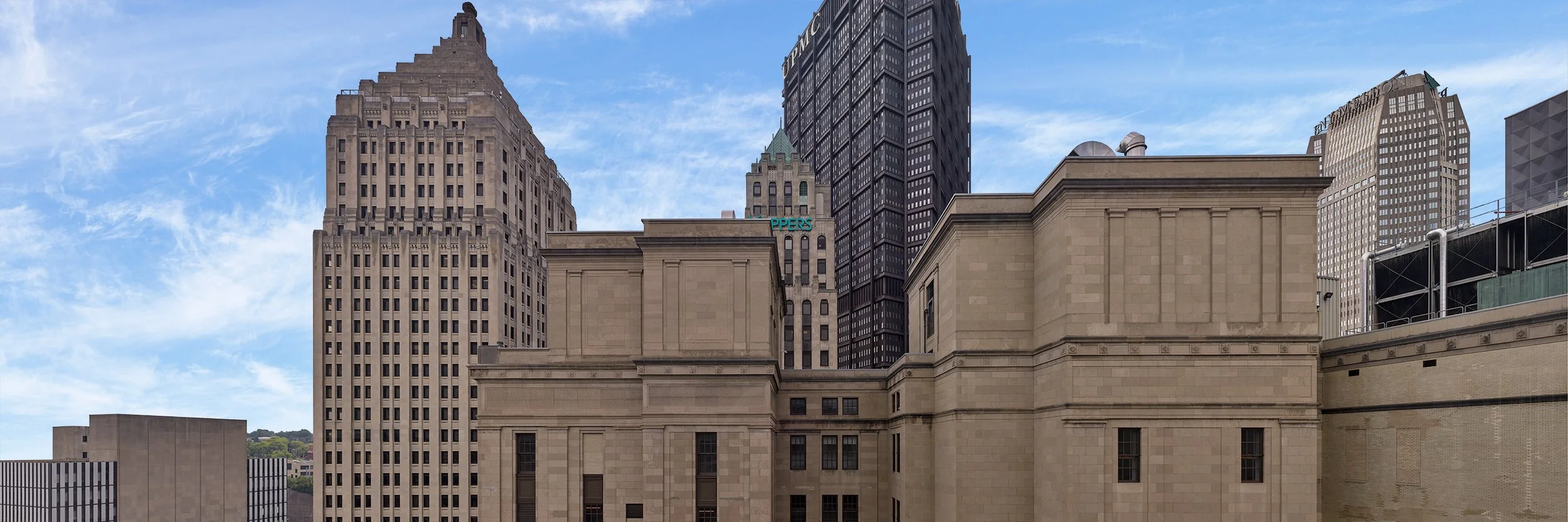
For most backings, the sky needs to be replaced. Usually this due to the clouds creating recognizable shapes that can be easily discerned in the background. Likewise, DPs often prefer lighter skies that easily give them the ability to blow out the sky in camera. For larger backings, the blending of different panoramas will often distort the sky, making the digital seams easy to detect, and dropping in a new sky greatly mitigates this. Even under ideal lighting conditions, the sky is frequently too cloudy to work.
Daytime Shadow Removal
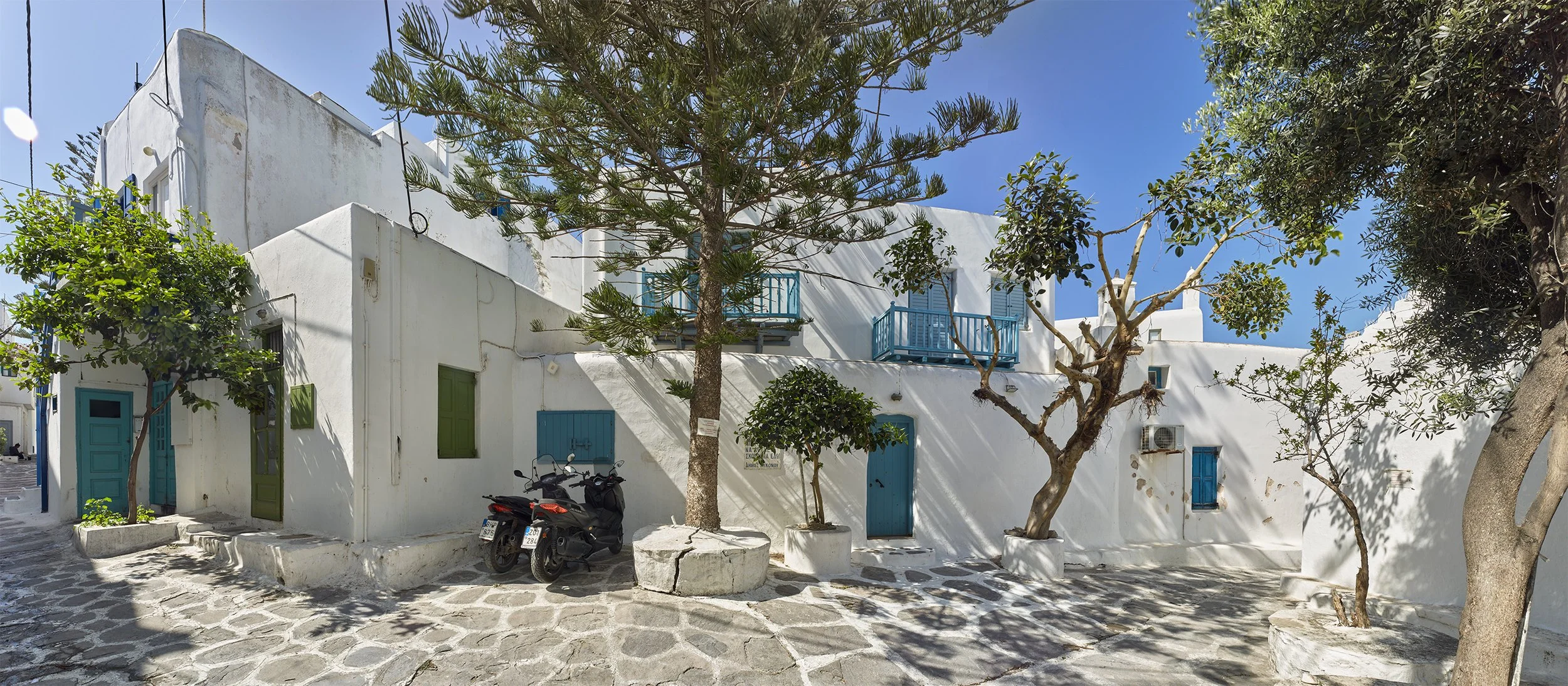
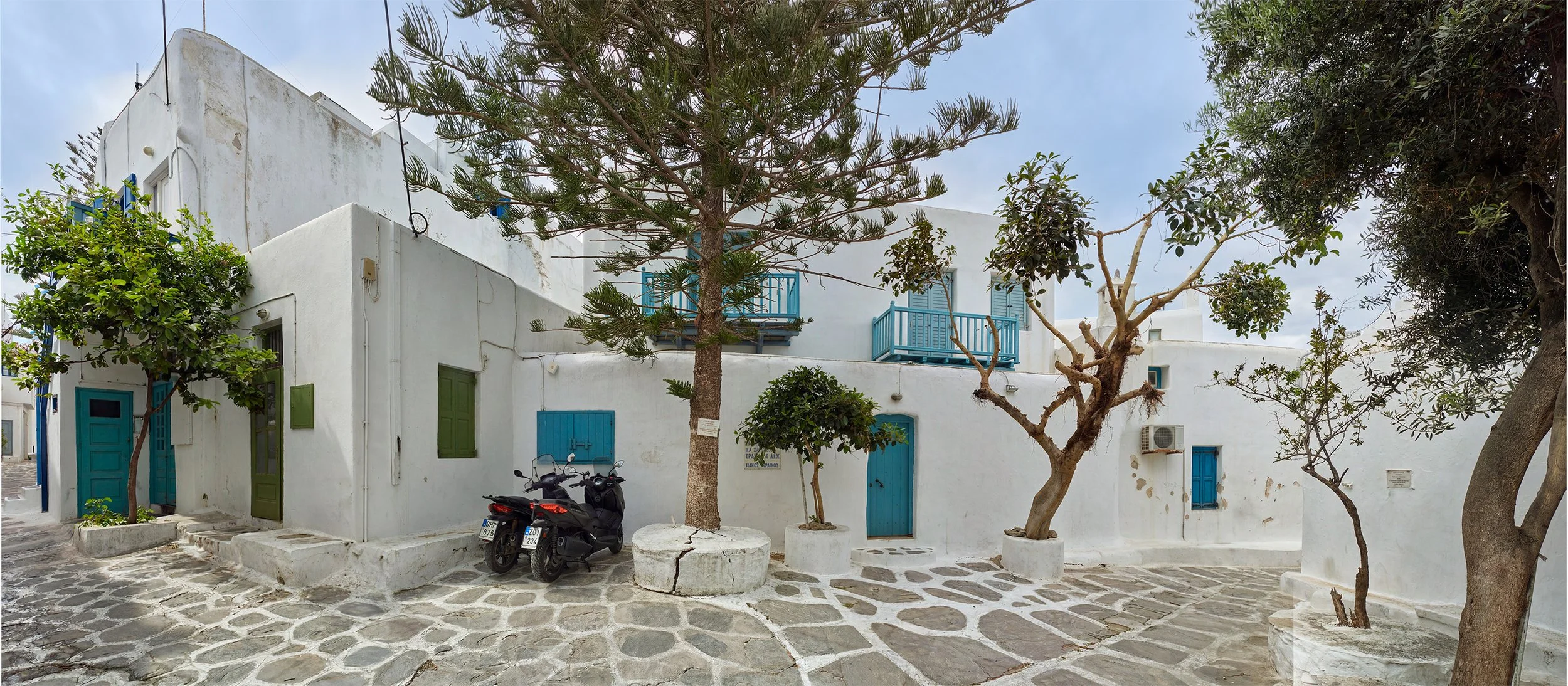
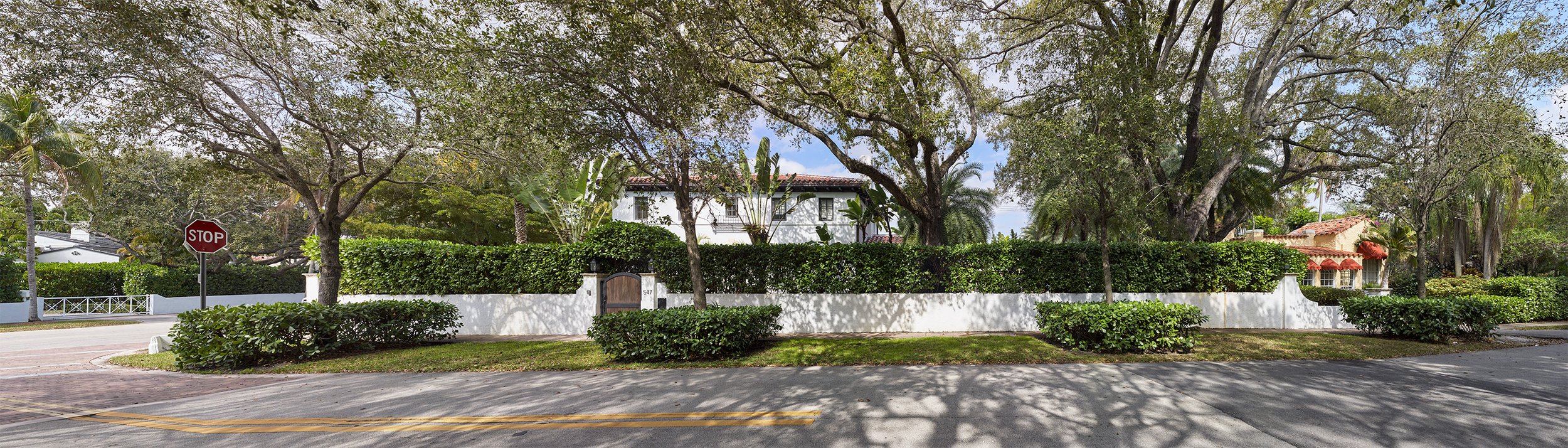
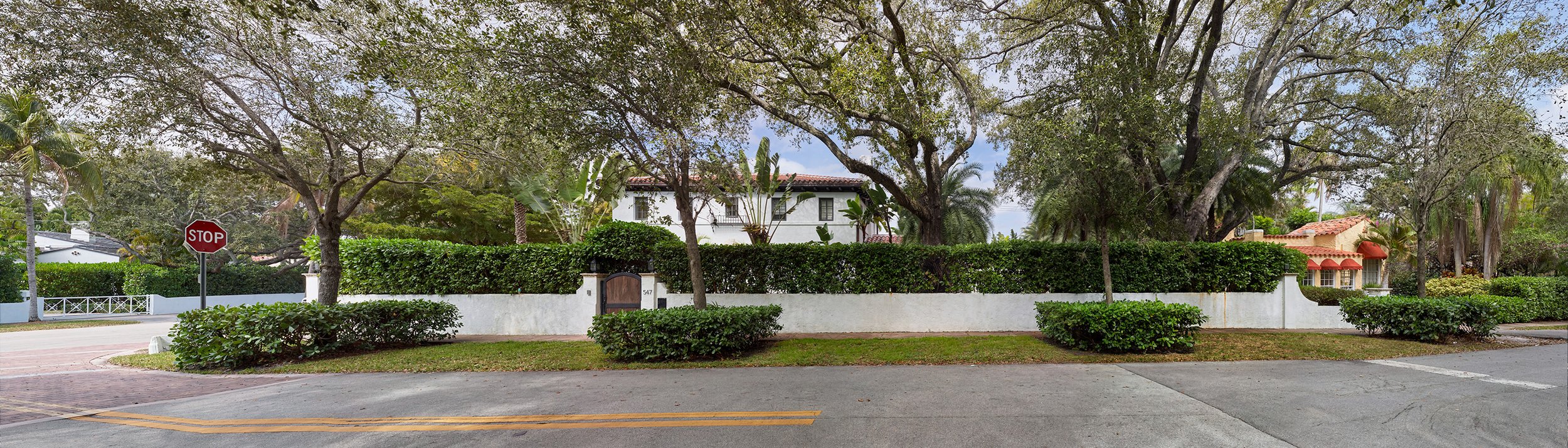
For most backings, the ideal lighting conditions is near a full overcast. This provides a bit of contrast to the image without generating any shadows. Having shadows in a backing limits its versatility since the set needs to be lit to match the harsh light in the backing. However, having no shadows allows the DP to light the backing to match the set instead.
For day|night backings, shadows create even more issues. When a backing is backlit you are not seeing the night image, but the day image taking on the color and luminosity of the night image. As such, any shadows in the day will be present when backlit. Although this may not matter as much in the far distance, any foreground shadows will be visible and not make sense. This is especially the case when simulating sunset/sunrise or golden hours scenes.
For these reasons, it is best to remove as many shadows as possible. With advancements in Photoshop, shadows removal is not only becoming easier but can be done without altering the view.
Day|Night Alignment
As mentioned above, when any day|night backing is backlit the viewer is actually seeing the day image taking on the color and luminosity of the night image. For this reason, the day and night images need to have a perfect pixel for pixel registration with each other. Without this alignment, issues will arise whenever the backing is backlit.
For any of our custom day|night backings, we go through great lengths, both on location during the actual photography and in post, to ensure registration.
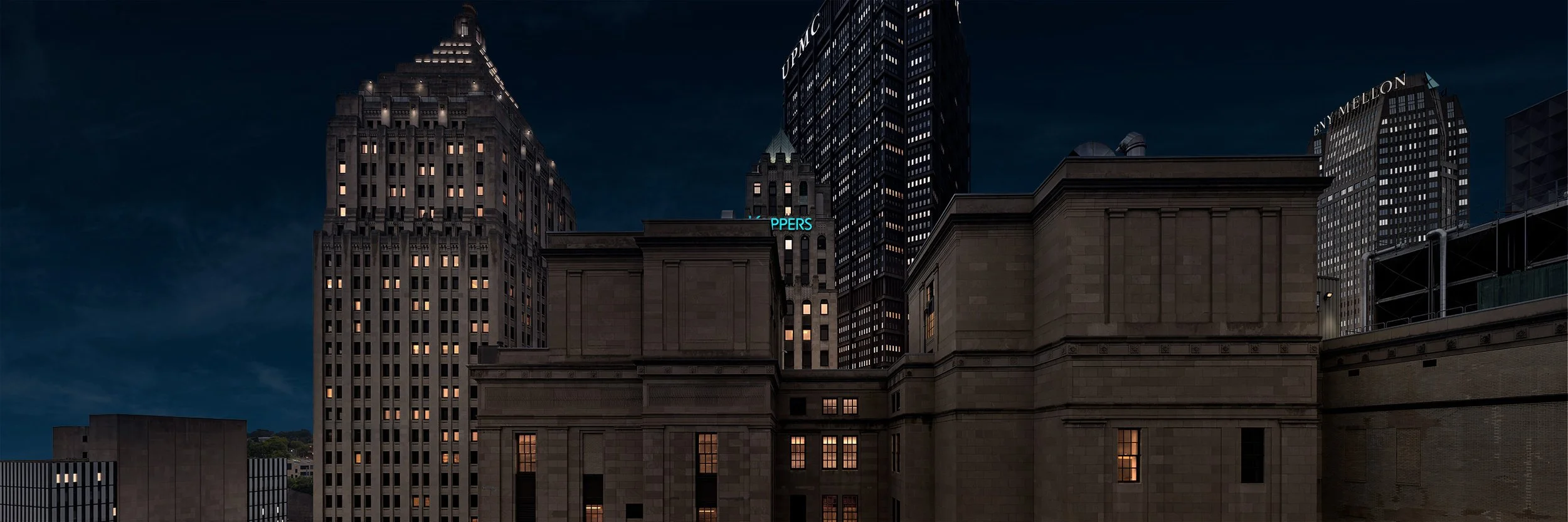
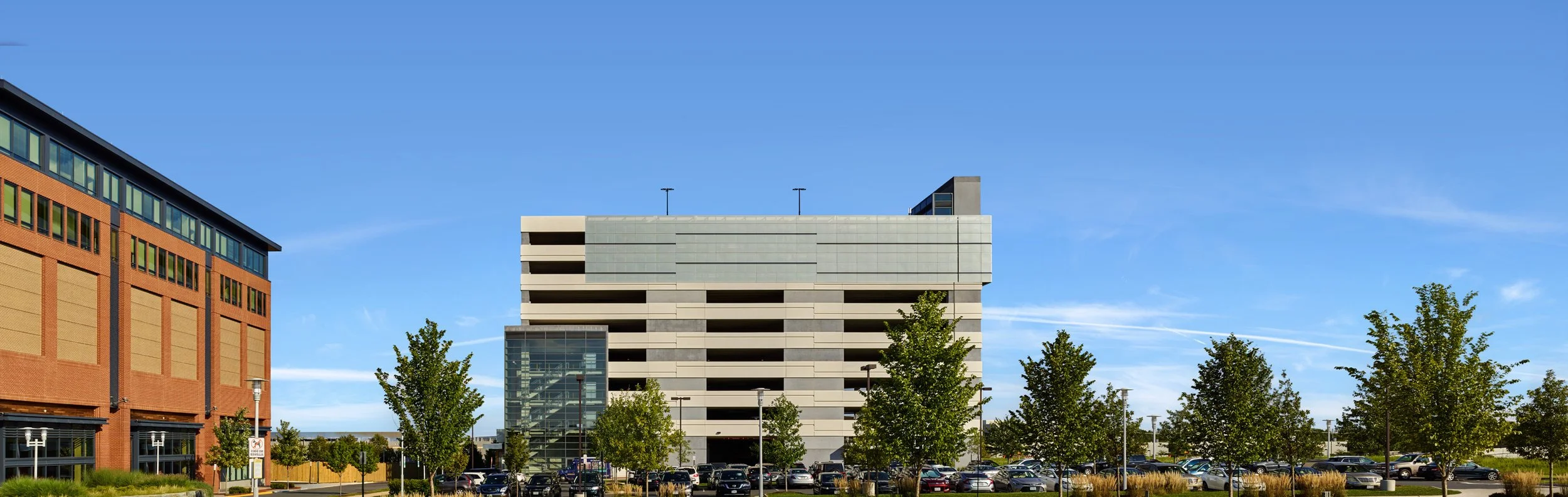
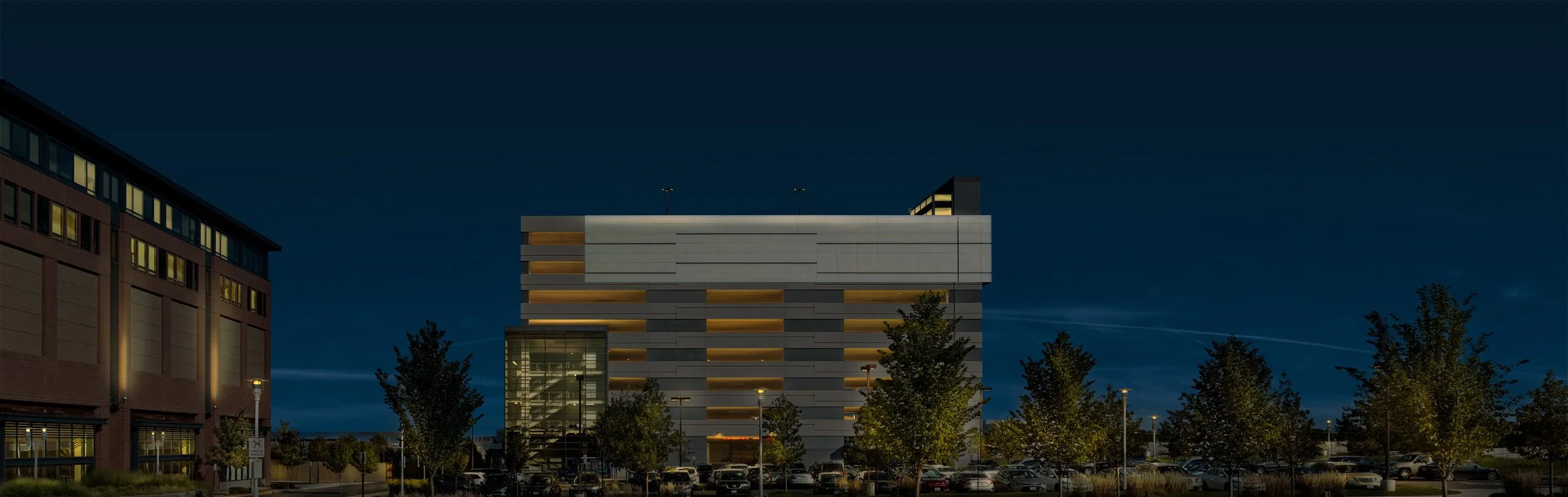
Night From Day Generation
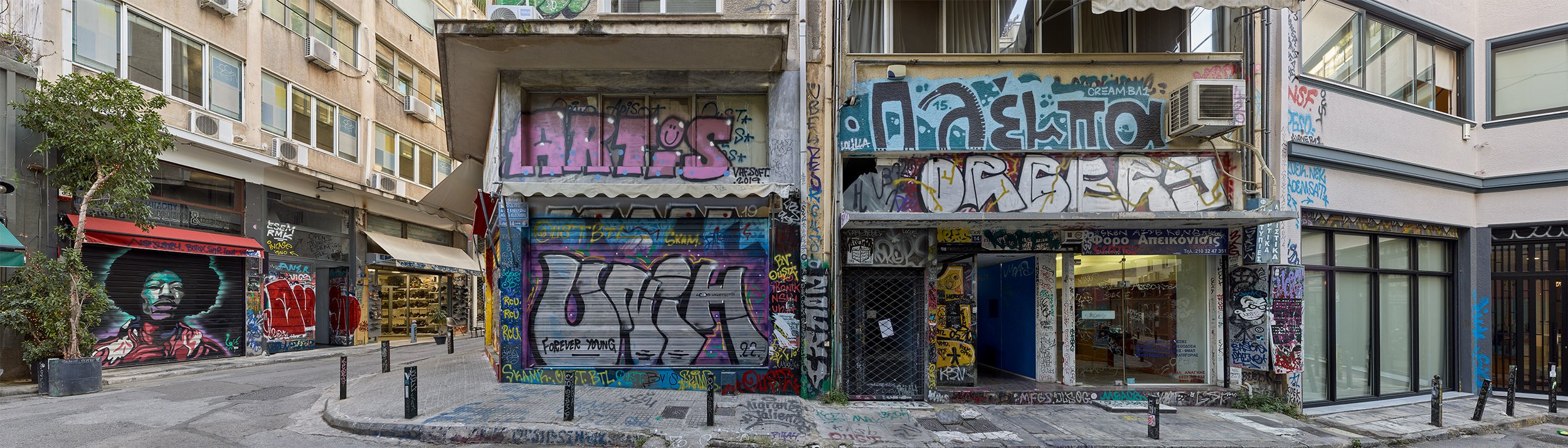
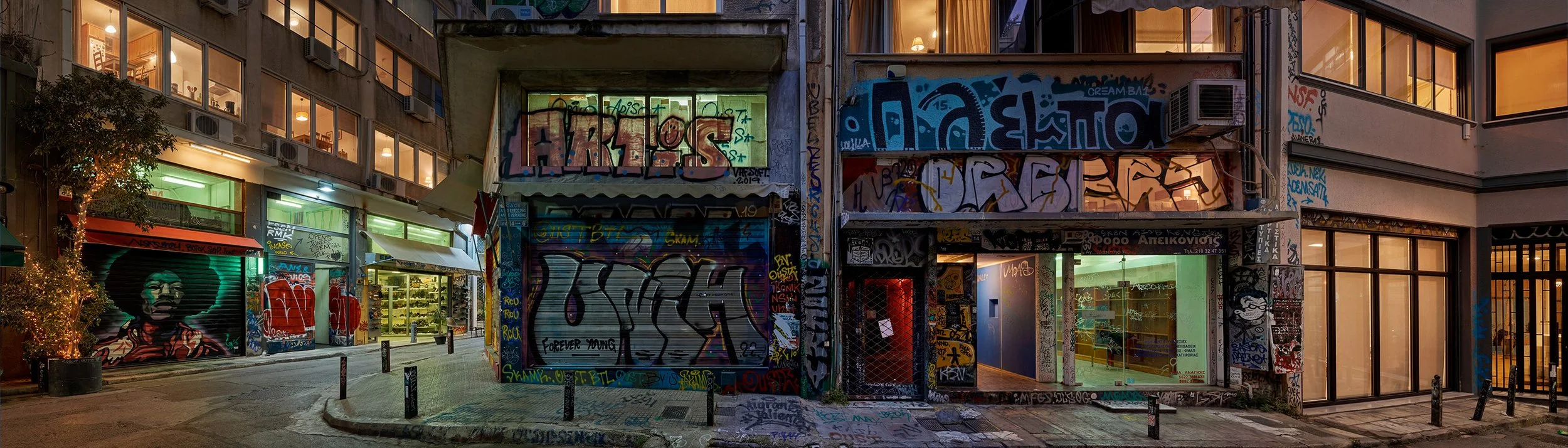
Although it is preferable to have a matching night photograph for any Day|Night backing, issues with weather, schedules or location logistics does not always make this feasible. In other cases having the night image does not provide any real benefit either due to registration concerns or differing visions from the production. Last, when photographing stock for our catalog, for most images we are only able to capture the day version of the view.
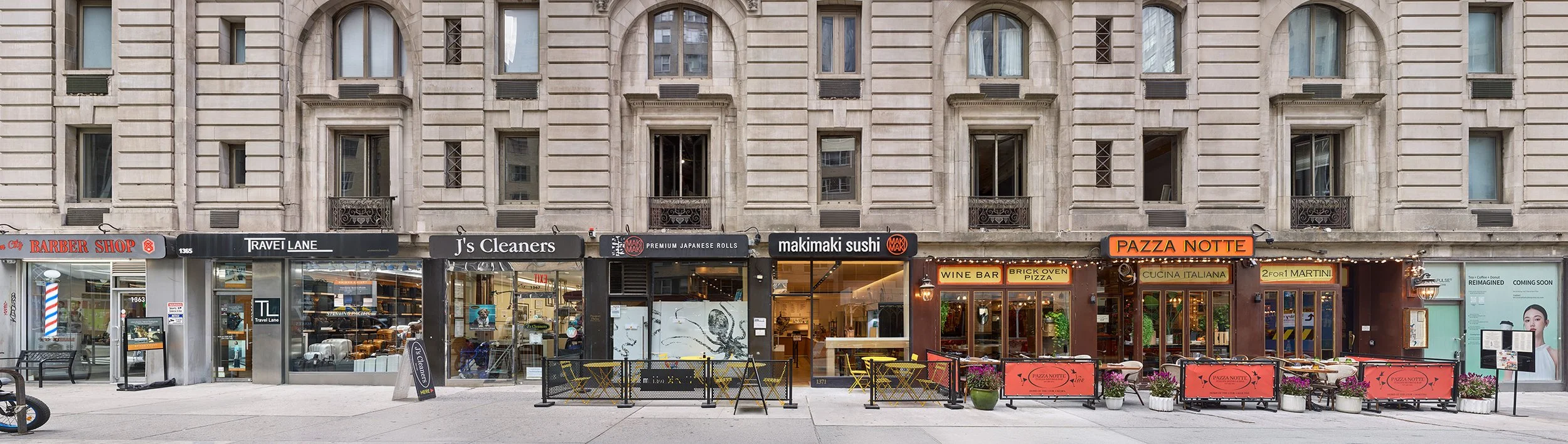
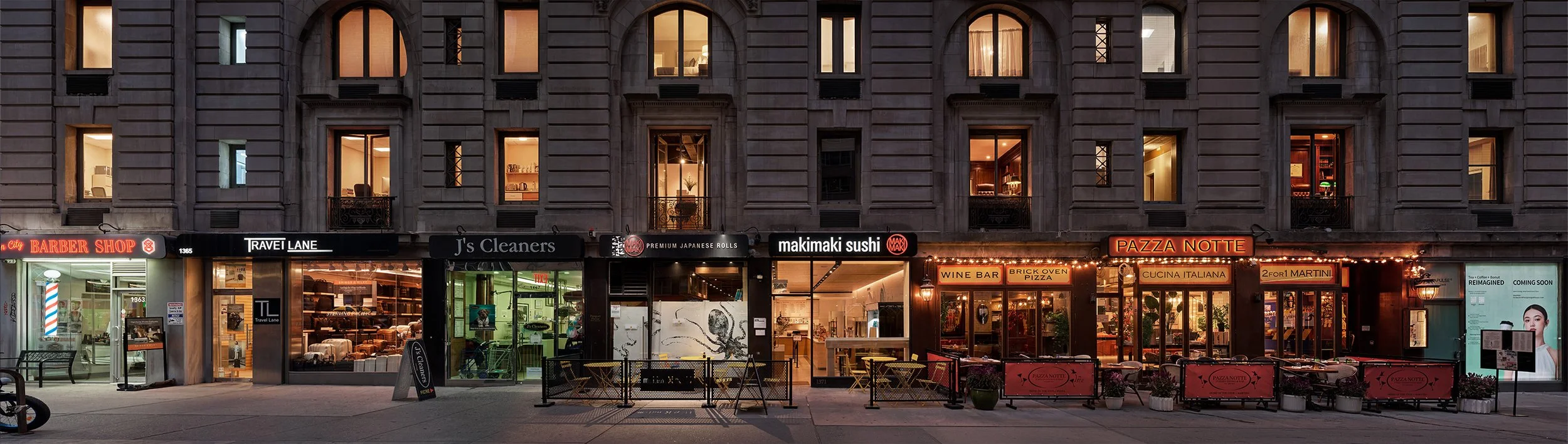
In these cases we opt to create the night image from the day version by utilizing a combination of adjustment layers in post, digital painting, and newer Photoshop tools.
Changing Seasons
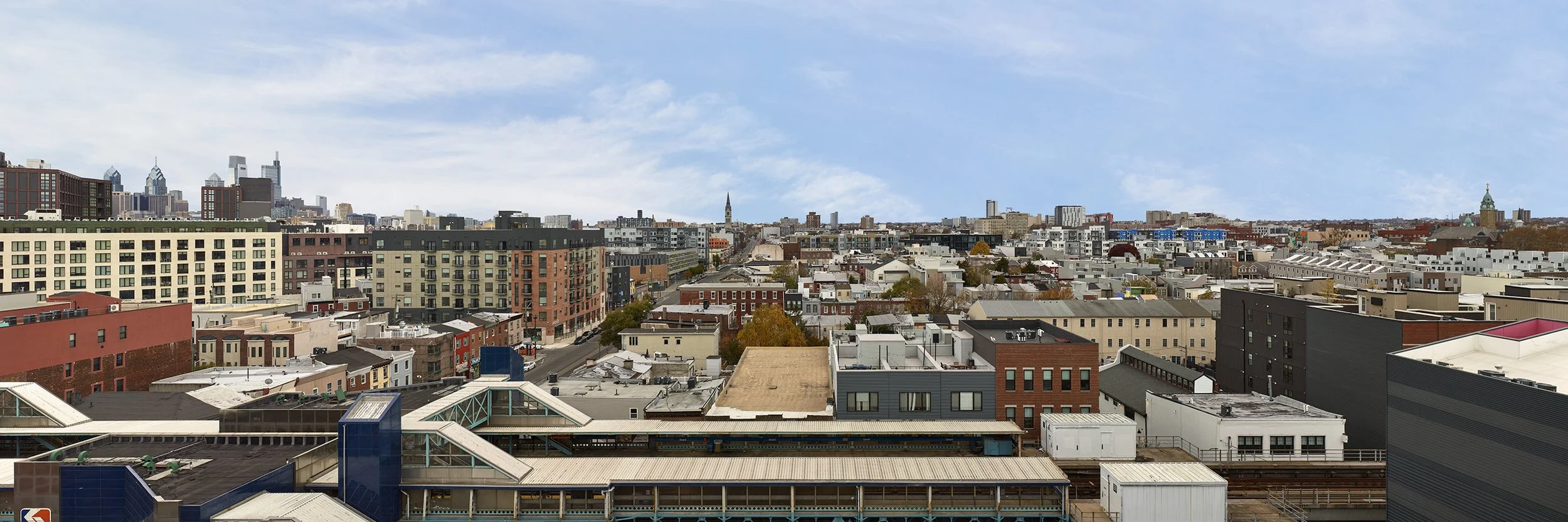
As great as it would be to photograph the backing at the right time of year for the story line, this is not always possible. Given the lead time for producing a backing, it is not uncommon to capture the view out of season for the production requiring work in post to correct. Likewise, stock images whose views work well for a particular set do not always match the story’s season and alterations need to be made.
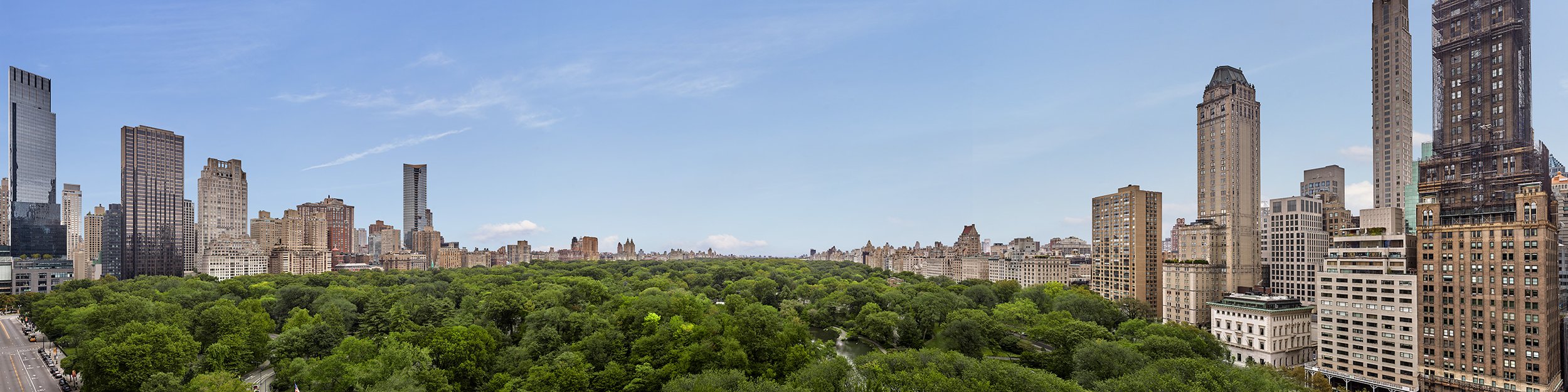
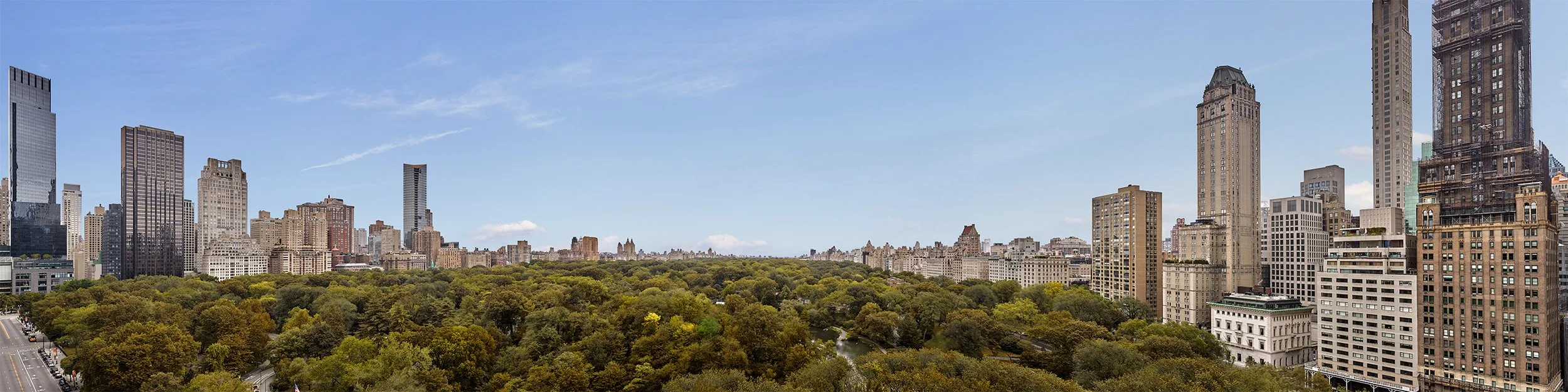
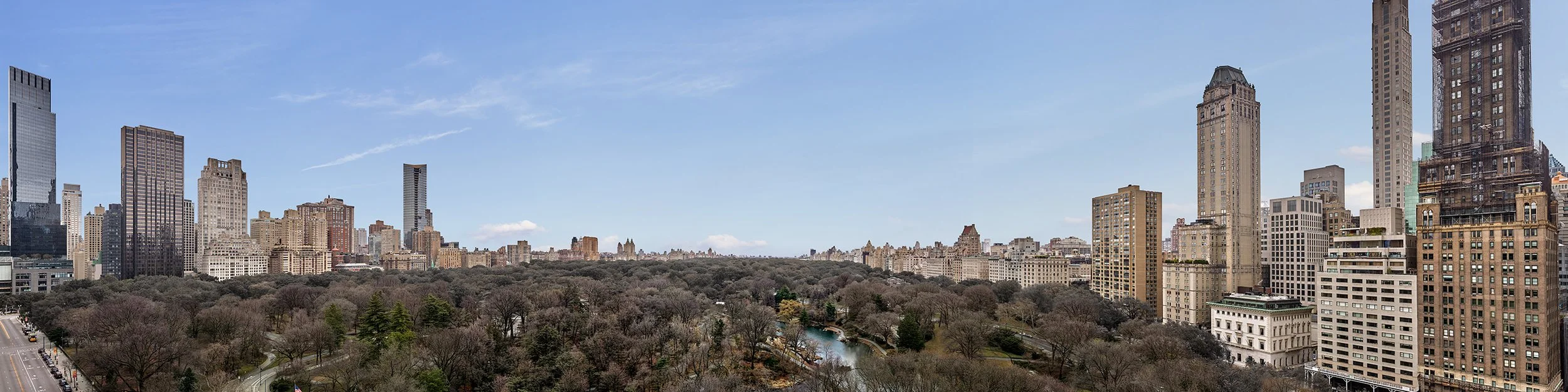
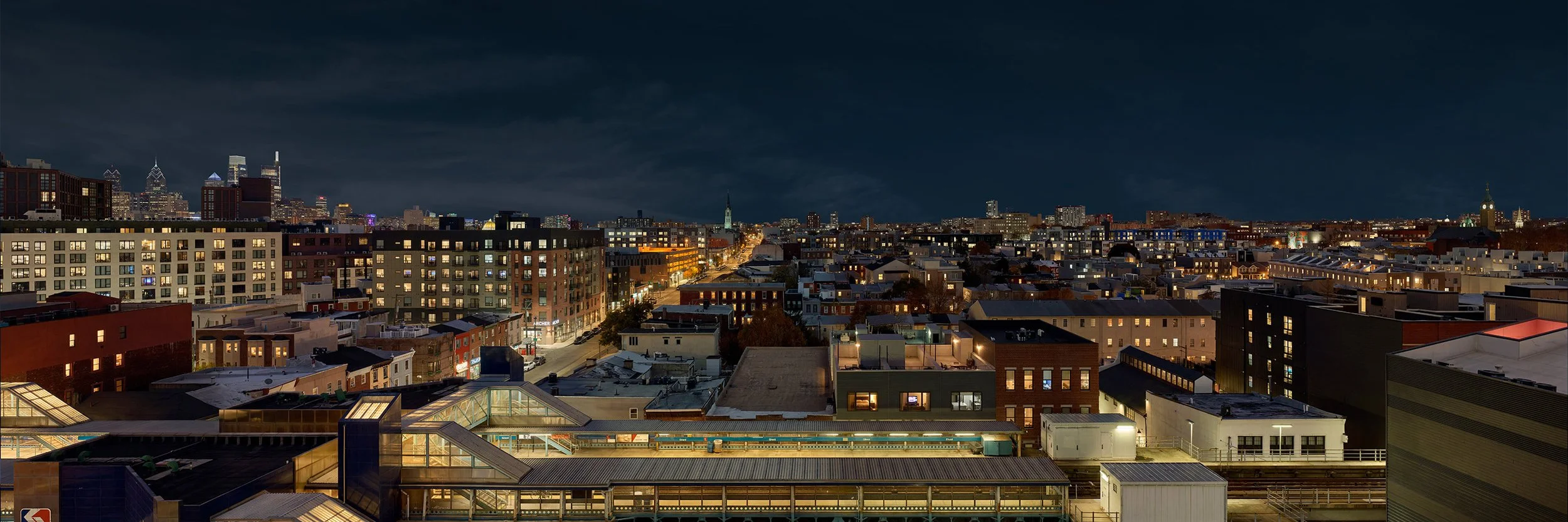
As an example, the image below was photographed in October and first used by a production that takes place in summer. Using tools in Photoshop, we were able to easily skew the fall colors back to green creating a summer feel. Months later, a different production requested using this same image but needed it to look like winter. Using a combination of old & new school techniques, we were able to de-saturate the foliage and strip the leaves off of the trees in the foreground. Night images for each version were created as well for two differing day|night backings.